🔵 YOUR SQUAD
You must keep 21 players as minimum and can have 32 players as maximum in your squad.
At any point your squad must carry the following number of players per position:
- 2 Goalkeepers
- 5 Defenders
- 5 Midfielders
- 3 Forwards
If you fall below the minimum for any of these numbers, you will automatically get a player from the free bench for that position to meet these numbers again. If for example you have 2 goalkeepers and sell one of them, once the player has left your club, a goalkeeper from the free bench will be added to your squad afterwards, so you have 2 goalkeepers again.
The same will happen, when your squad only has 21 players and you decide to sell one of them. Your squad will always be automatically filled up to the minimum with free bench players.
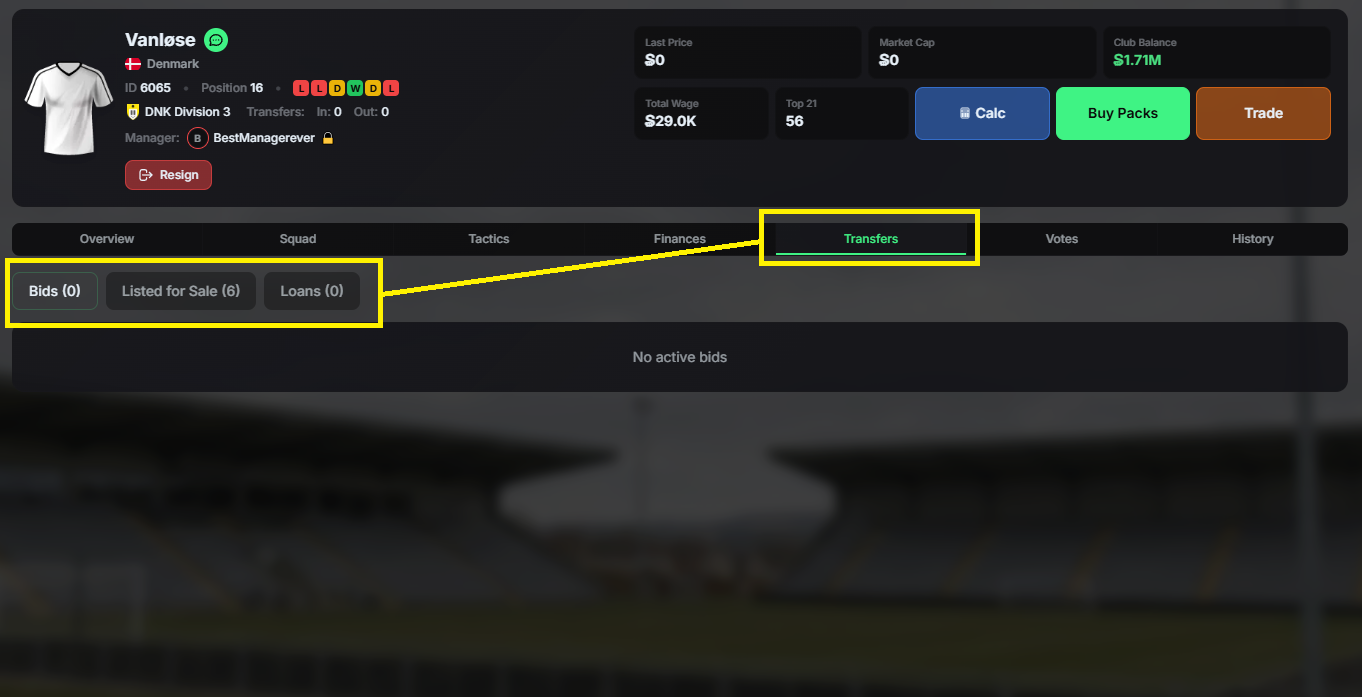
You can see your currently transfer listed players and current bids for buying players in this screen by selecting the respective buttons.
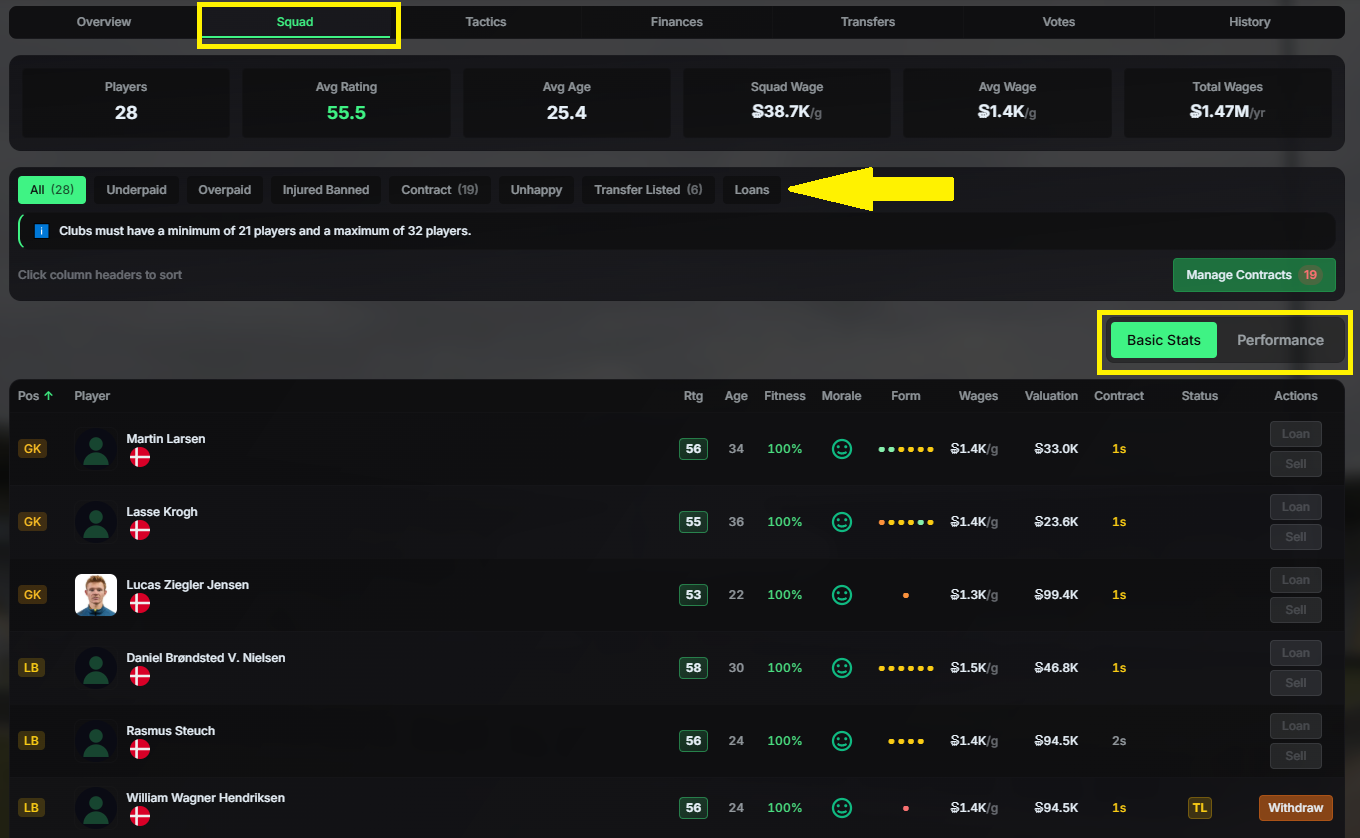
In the BASIC STATS tab in the SQUAD menu you can see all your players and their information like Rating, Age, Fitness, Contract length etc. By switching to the PERFORMANCE tab, you can see their contribution to your success on the pitch.
The box above your players will inform you about any issues within your squad, like under-/overpaid players, injuries or bans, unhappy players etc.
Everything is sortable by clicking on the column headers.
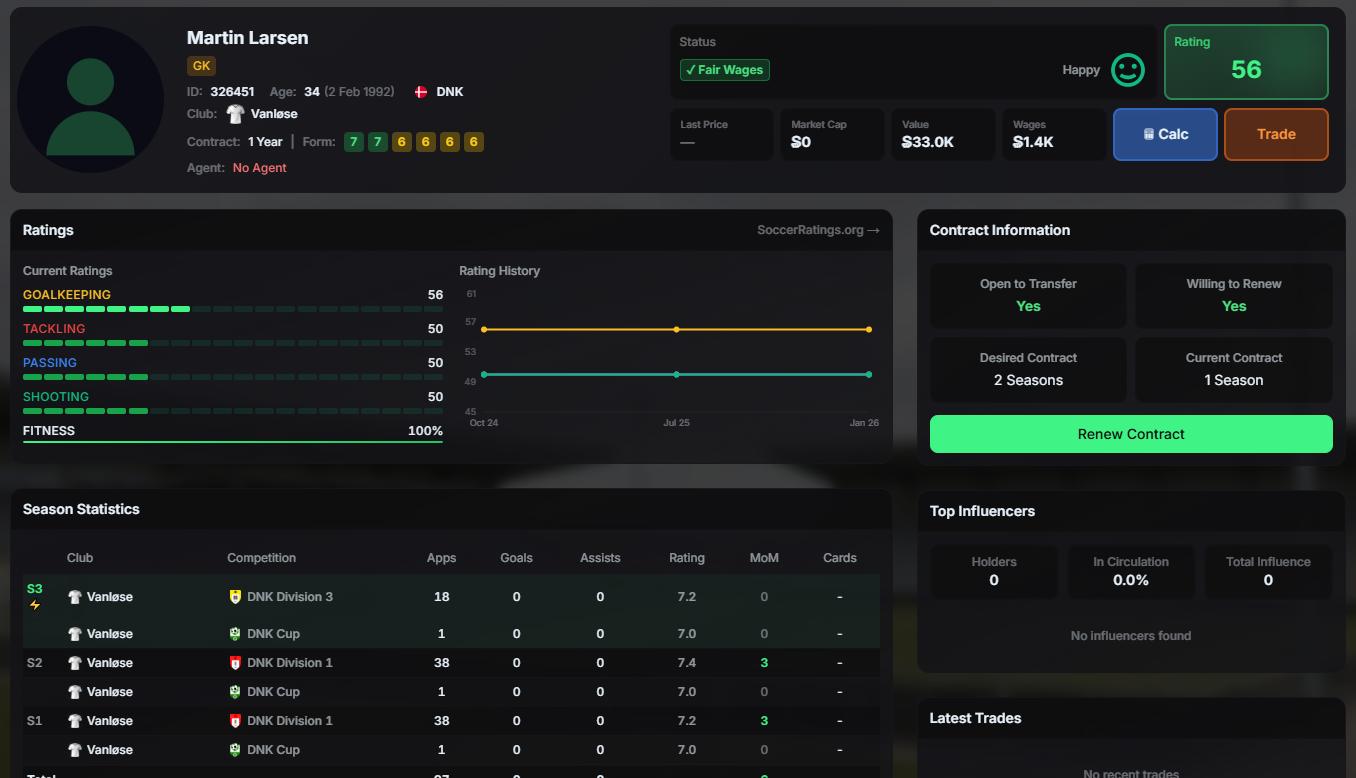
By clicking a player in your squad, you will arrive at he player's profile page with various information displayed about that player. This is also the place, where you can renew his contract and list him for transfer or loan.