🔵 INGAME CHAT
Our community mainly meets in our Soccerverse Discord server, but the game also has an in-game chat with a general channel for all things Soccerverse. On top you can directly contact any user via a direct message, use club chats or create groups with fellow users.
Look for the chat icon in the lower right corner to enter the chat.
Chat icon
To start a conversation with a user, visit the respective user's profile and click on the small chat icon next to the user's name. This will automatically open a direct chat with that user in the chat box.
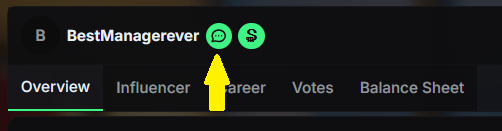
Icon for user chat
You can add friends, remove friends and also block users by clicking the three dots in the chat box.
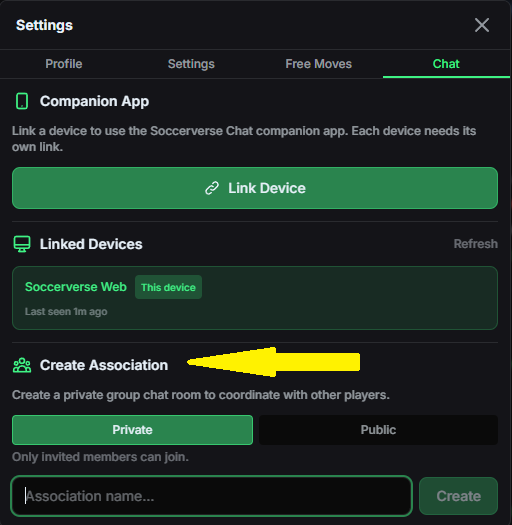
By going to the dropdown menu in the top right corner and then settings and chat, you can create an association, which can either be public or private. This can be used to work together with other users or influencers in your club for example.